

Quick answer: An influencer media kit is a one-page business case with six sections: who you are, your numbers, your audience, past collaborations, your packages and rates, and one contact plus profile link. Keep it to one page (two at most), include only numbers you can prove, and list starting prices. A live profile with verified stats does the same job and never goes stale.
"Can you send your media kit?" If that message makes you panic-open Canva, this guide is for you. A media kit is your one-page business case: who you are, who's listening, what you charge. Here's what goes in it, and the one-click alternative that's quietly replacing PDFs.
The six sections every media kit needs
- Who you are: name, photo, city, niche, one-line positioning ("Affordable fashion for young working women").
- Your numbers: followers, average engagement rate, average views per Reel. Only include numbers you can prove.
- Your audience: age split, gender split, top cities, language. This matters more to brands than your follower count.
- Past collaborations: 3–4 best pieces of branded work with one result each ("42K views, 380 saves").
- Your packages and rates: the same clear packages as your gigs; see our rate guide for benchmarks.
- Contact + profile link: one email, one link. Not six social handles.
Design rules (keep it boring, in a good way)
One page (two max), your face on it, big readable numbers, brand-neutral colors. Brands read many of these, clarity beats creativity. Name the file properly: AishaVerma-MediaKit-2026.pdf, not final_final_v3.pdf.
The problem with every PDF media kit
Three things, and every brand manager knows them:
- It's stale the day you export it: your numbers change weekly; your PDF doesn't.
- It's unverifiable: any number in a PDF is just… typed. Brands discount claimed stats by default.
- It's one-way: a brand who likes it still has to find you, message you, and negotiate somewhere else.
The one-click alternative: a living media kit
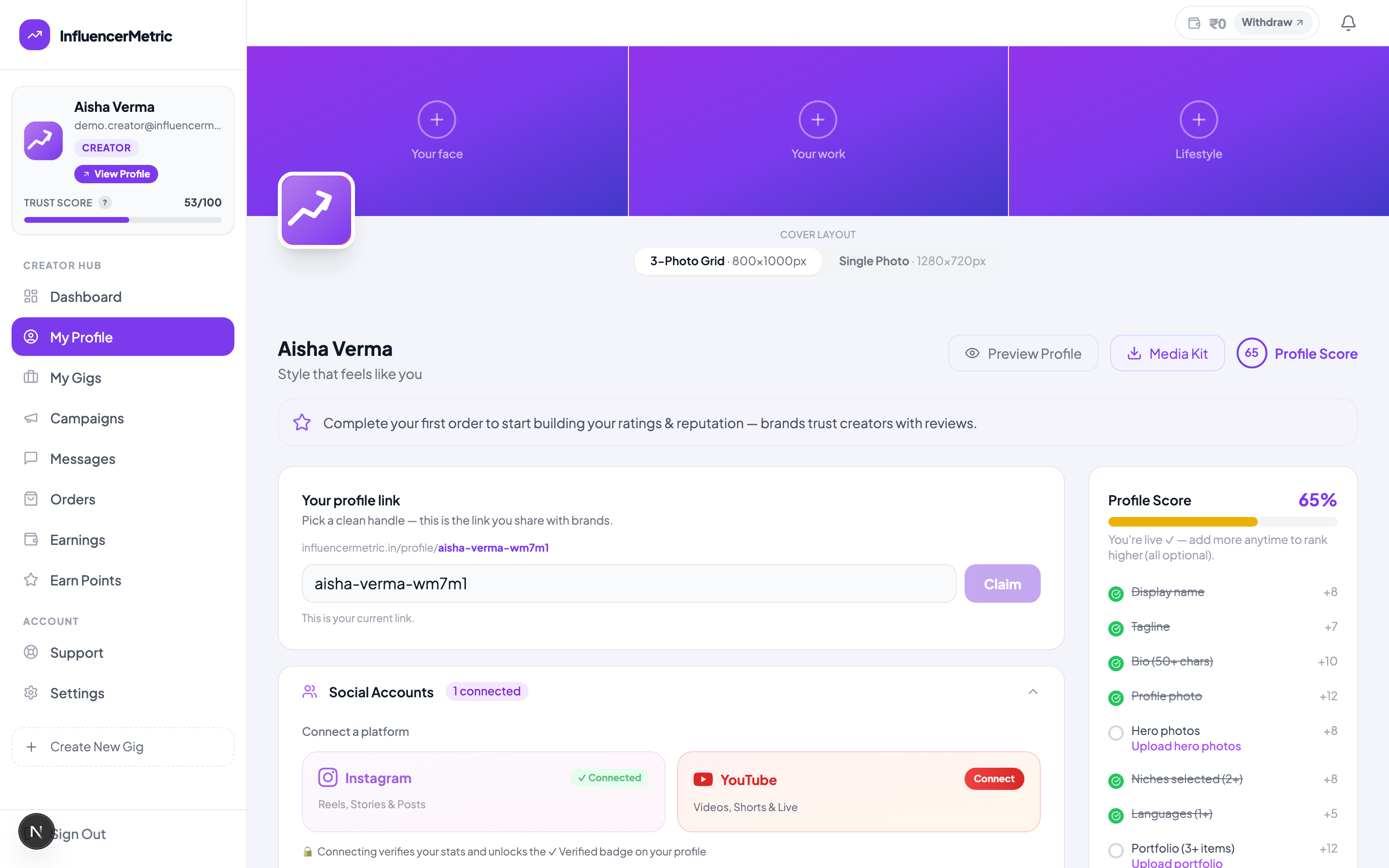
Your InfluencerMetric profile solves all three problems at once. Connect Instagram or YouTube and your stats are pulled live from the platform and marked verified: a brand doesn't have to take your word for anything. The Media Kit button on your profile generates a shareable kit from that live data. And when a brand likes what they see, they don't need to hunt for your email: they message you in private chat, request a quote, and book you with escrow-protected payment, all from the same page.
The best reply to "send me your media kit": "Here's my live profile with verified stats: [your link]. Happy to send a custom quote for what you have in mind." Professional, instant, and impossible to doubt.
Skip Canva entirely. Your profile generates a media kit from live, verified numbers. It updates itself forever.
Get my one-click media kitFAQ
Do I still need a PDF media kit at all?
It's useful for agencies and email-first brands. Make one, keep it to one page, and update it monthly, but lead with your live profile link, and let the PDF be the backup.
What if my numbers are small?
Small verified numbers beat big claimed ones. Lead with engagement rate and audience fit, read how small creators win deals.
Should rates go in the media kit?
List starting prices ("Reels from ₹4,000"). It filters unserious brands and anchors negotiations, the same job your published gigs do automatically.